
Works today · native app next
ProbeHarbor for Android
Use ProbeHarbor on Android today with the installable web app — same account, live readings, and alerts. The native Play listing is in review; GitHub build/sideload is optional for early testers.
What the phone does (and does not)
- Does: sign in to your ProbeHarbor account, show live curves, history, and the same forecast-backed time-to-freeze clock as Overview, manage alerts/devices/household settings, and receive freeze/flood push via Firebase Cloud Messaging.
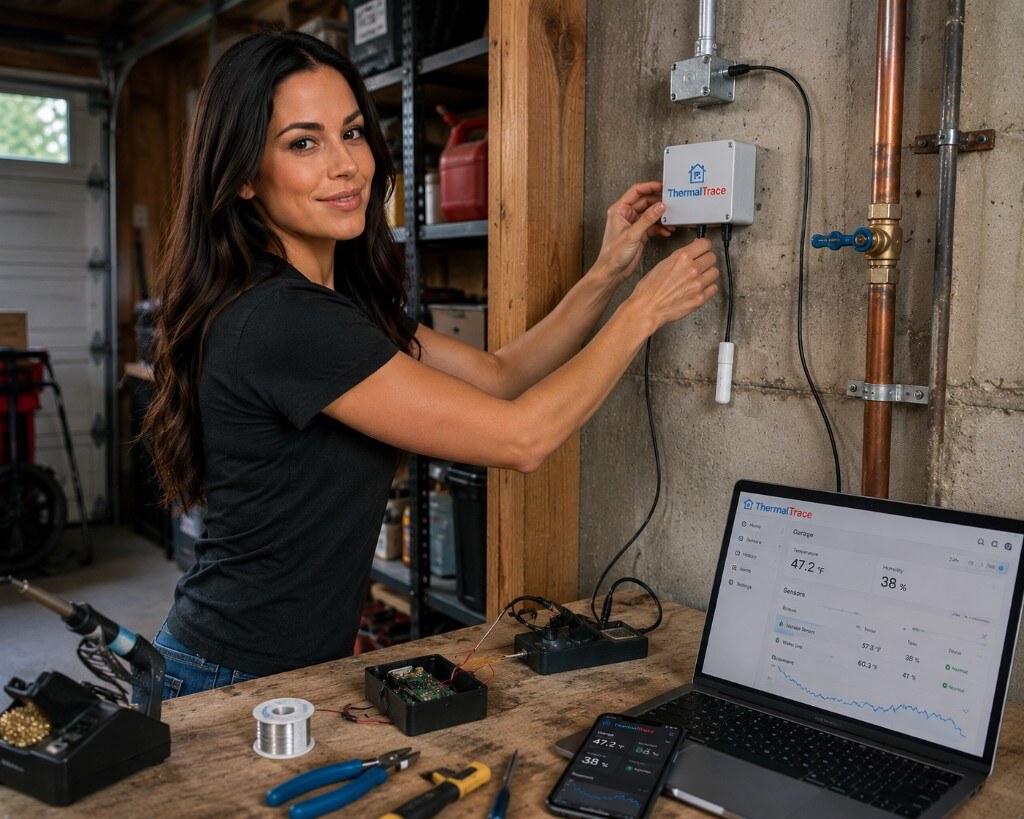
- Does not: read temperature from the handset. Your ESP/Arduino (or JSON feeds) keep posting to probeharbor.dev; the app is a client over HTTPS.
Want a desktop glance instead? Bay Buddy shows freeze and flood moods for one space without opening the full dashboard.
Use Android today (PWA)
Install probeharbor.dev from Chrome — home screen icon, live readings, and alerts on your existing account. Native Play listing is next; GitHub build/sideload stays optional for early testers.
- Create a free ProbeHarbor account and connect at least one probe.
- Install the PWA (or build/sideload the native app) and sign in with the same credentials.
- Enable push alerts in Alert settings for Firebase freeze notifications when the native app is installed.
While Play review is pending
You already have a full phone experience via the PWA. The native app will attach to the same account when the listing goes live.
- Create a free account and connect a push device or HTTPS feed.
- Set freeze thresholds under Alert settings (email, push, and chat on every plan; SMS on Pro).
- On Android Chrome, install the PWA for a home-screen shortcut and optional browser Web Push.
- Prefer a launch email? Tell us you’re waiting on Play we read every message.
Deep links stay aligned with the web app (/dashboard, alerts, household) so the native client and PWA feel familiar.
Open source
App repository: probeharbor-android · Privacy: how Android push tokens are handled · API: HTTP reference
Frequently asked questions
Straight answers for Play reviewers and homeowners waiting on the listing.
Does the Android app measure probe temperature?
No. The phone is a companion client. ESP/Arduino sensors (or HTTPS JSON feeds) push readings to ProbeHarbor; the app signs in and displays that account data.
When will ProbeHarbor be on Google Play?
Google Play listing is in review. Build or sideload from github.com/doodersrage/thermaltrace-android, or use the web dashboard / PWA from Chrome on Android until the store link goes live.
Will my web account work in the Android app?
Yes. The same ProbeHarbor login, households, devices, and alert settings apply. Push on Android uses Firebase Cloud Messaging in addition to browser Web Push.
How do I get notified when the app launches?
Use the Contact form with topic=android (linked from /android) and ask for a launch note. We also announce updates on the site and GitHub repos.