

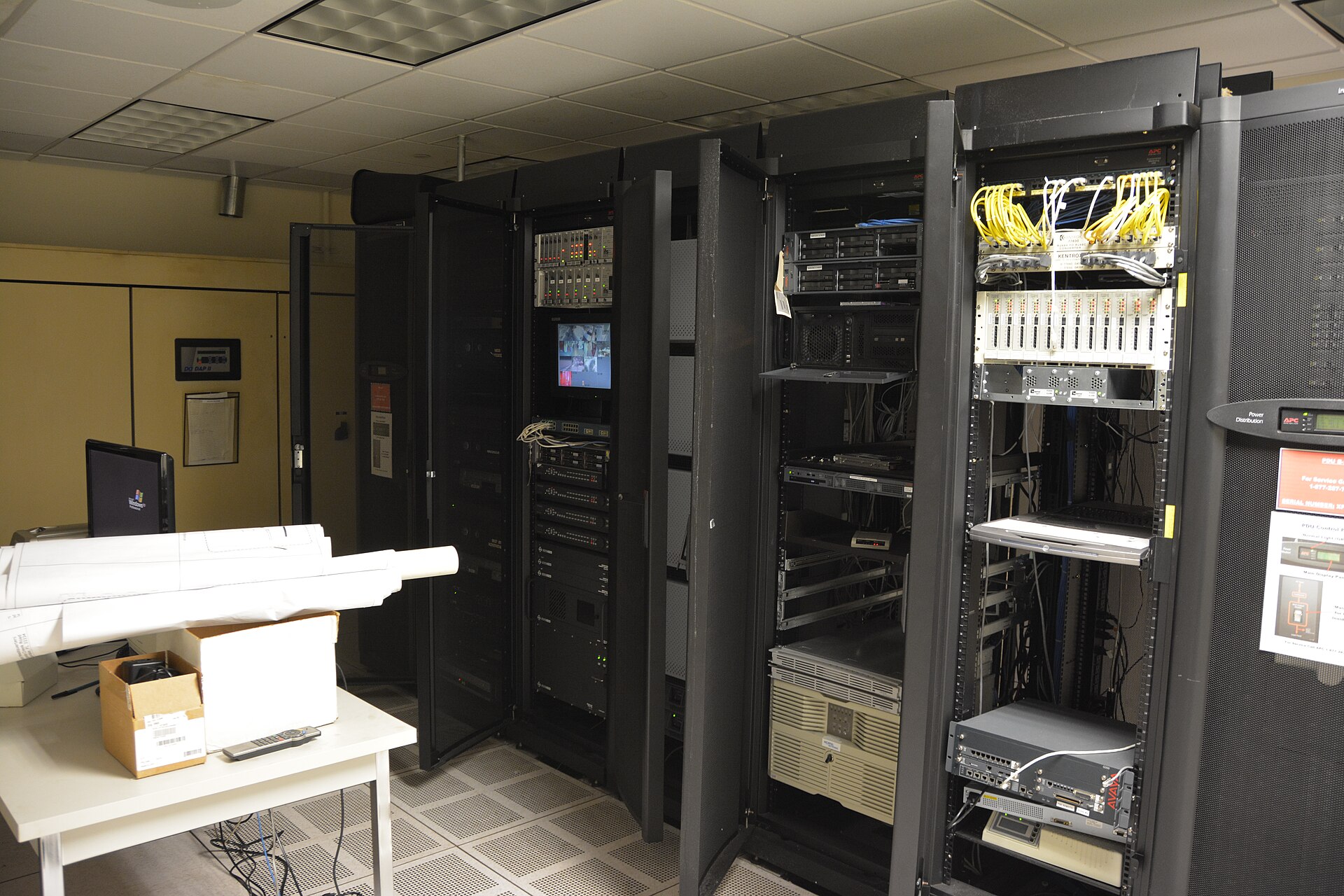
The setup
- An ESP32 already watching the garage; a second probe in the closet
- Heat rule at 95°F (Alerts → Rules → Add heat rule) alongside freeze watch on the garage side
- Outbound webhook (Pro) into Home Assistant to switch off a smart plug
How it plays out
- Fri 6:05 p.m.: The closet reaches 96°F after a fan fails; the heat rule fires and the webhook reaches Home Assistant.
- Fri 6:06 p.m.: An automation powers down non-critical gear; SMS confirms the alert.
- Sat morning: The owner replaces the fan; the history chart shows how fast the closet heated.
Why it matters
The same probes and ingest path cover both failure modes: freeze on the garage side, heat in the closet.
Real outcomes depend on sensor placement, thresholds, and how quickly someone can respond.
FAQ
Is ProbeHarbor only for cold?
No. Freeze alerts are built in, and heat uses a rule (Temperature above, default 95°F) that you add in one click under Alerts → Rules.
How does Home Assistant fit?
Pro outbound webhooks POST alert JSON to Home Assistant, where an automation can switch a smart plug. The official HACS integration also exposes readings as sensors and adds snooze services; see probeharbor.dev/integrations/home-assistant.
Related answers
Try it on your space
Start free with live charts, email alerts, and one family live share link. Upgrade when you want CSV history (Member) or SMS and expanded share scopes (Pro: 14-day trial).
See plans & pricing Create free account Compare vs DIY · All scenarios