

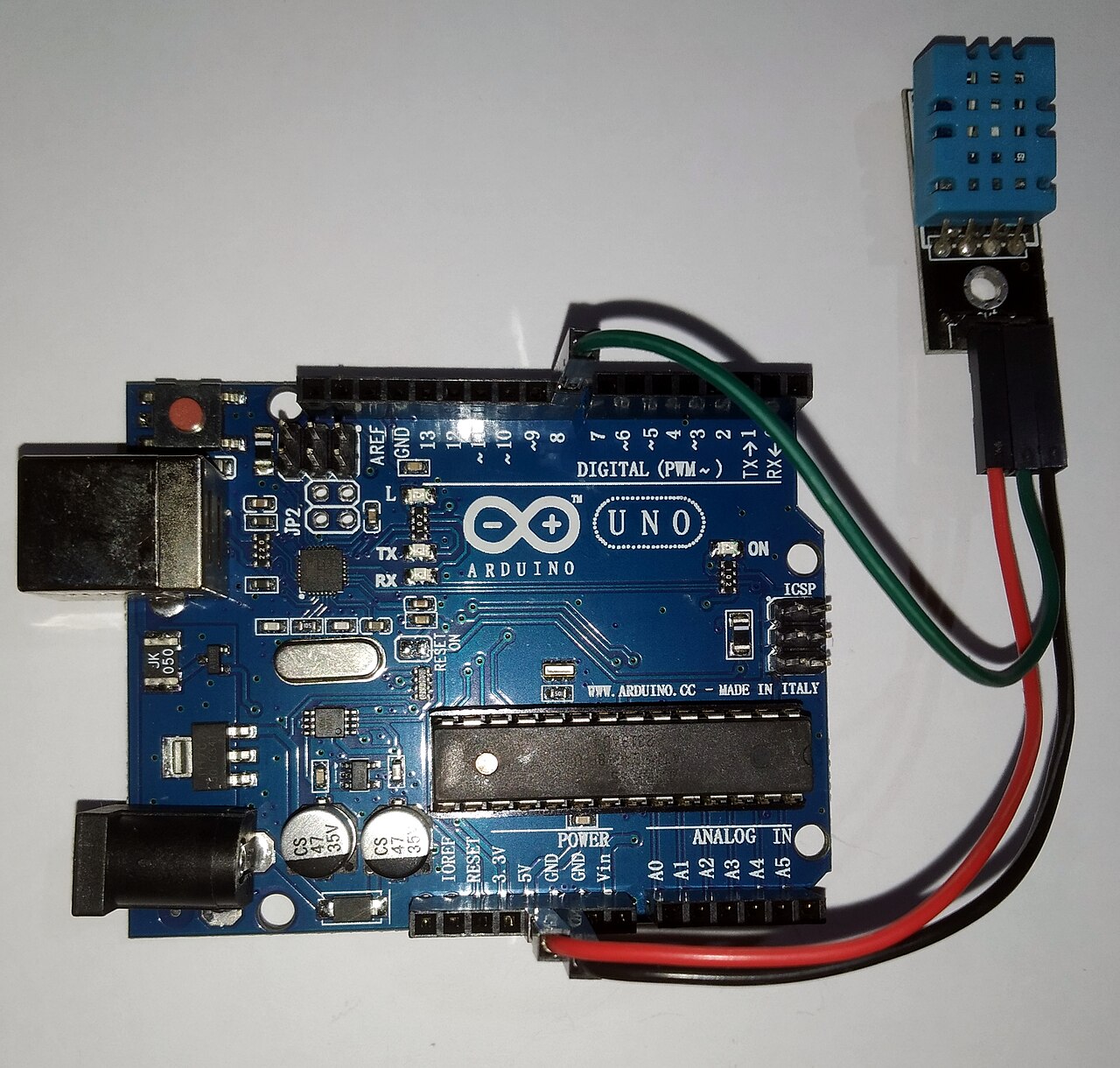
Intermittent readings usually trace to power, ground, or loose jumpers, not bad luck. Work methodically from rails to sensors before swapping the Arduino.
Symptom → likely cause
- Blank LCD: Contrast pot, missing Vo, or wrong RS/E/D pins.
- DHT22 timeout: Missing pull-up, swapped data/ground, or read interval too fast.
- Ethernet dead: Shield not seated, bad cable, or SPI pin conflict with LCD wiring.
- Garbled LCD: Floating data line or 3.3 V LCD on 5 V logic without level consideration.
Tools
Serial logging from Arduino IDE setup confirms firmware is alive. Multimeter checks on power rails confirm 5 V under load. Pin-by-pin review: pin wiring.
Sensor-specific help
Persistent DHT22 failures after wiring checks: DHT22 read errors and retries and data line wiring.