

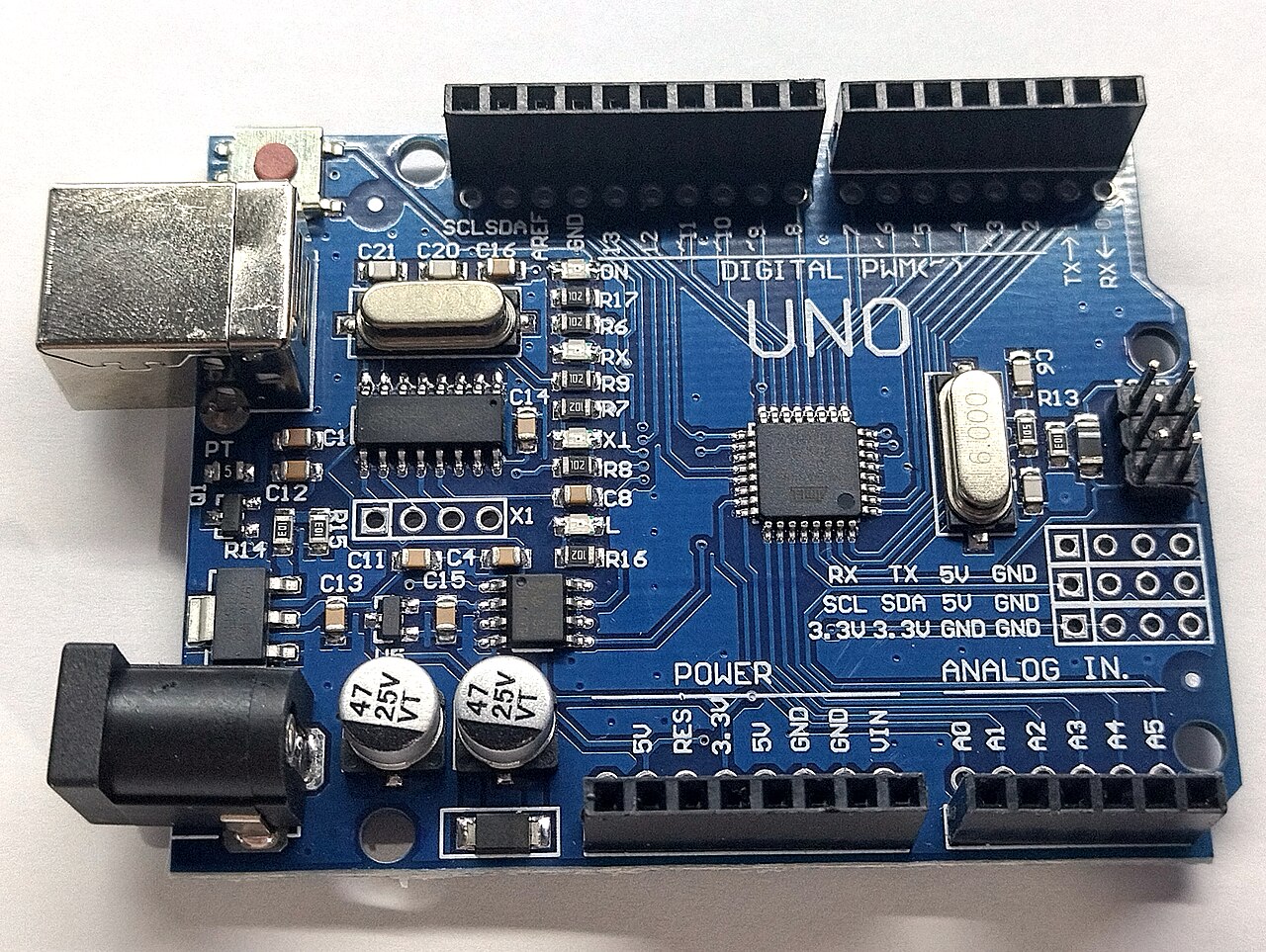
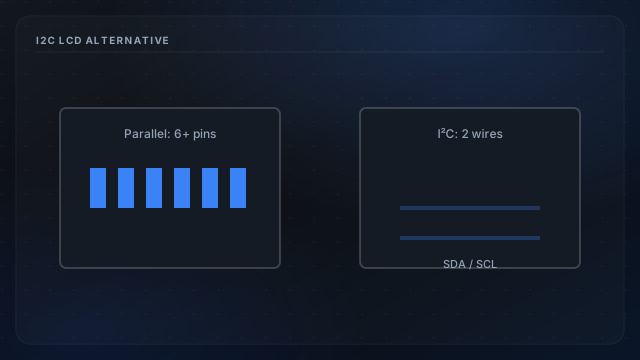
Parallel mode uses six GPIO lines plus backlight drive: tight on an Uno stacked with W5100. I²C backpacks (typically PCF8574) need SDA/SCL only, freeing pins for extra probes or backlight PWM. The tradeoff is another library, address jumpers, and shared bus timing with any future I²C sensors.
Pin budget math
Review reserved SPI pins and parallel map: two DHT22 lines plus six LCD lines leaves little headroom. I²C reclaims four to six pins depending on wiring.
Migration notes
- Install LiquidCrystal I²C library and set backpack address (often 0x27).
- Rewire SDA/SCL. Uno A4/A5 on classic boards.
- Update display strings in LCD format: character width unchanged.
When to stay parallel
If your shield stack already works and pins suffice, parallel mode remains simpler: DHT22 and LCD overview. Consider I²C when adding a third probe or PWM backlight on a crowded pin map.