

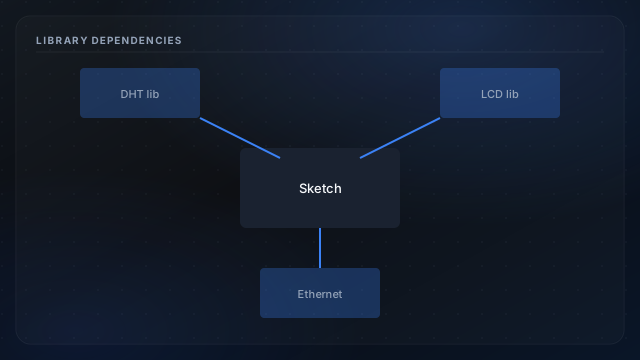
The garage sketch is not self-contained: it pulls in Adafruit or community DHT drivers, the stock LiquidCrystal library, and the legacy Ethernet stack for W5100 shields. Library major-version jumps have broken constructors and enum names in past bring-ups. Documenting dependencies makes rebuilds in five years possible when the original laptop is gone.
Core libraries
- DHT sensor library: single-wire reads with timing guards.
- LiquidCrystal: parallel 4-bit LCD mode used locally.
- Ethernet. W5100-compatible stack for HTTP serving.
Install workflow
- Use Library Manager or vendor ZIP with pinned version notes in your repo README.
- Compile a known example for each library before merging into the probe sketch.
- After updates, re-verify LCD layout and JSON schema.
PlatformIO alternative
PlatformIO locks versions in platformio.ini: excellent for reproducibility. Either path starts from Arduino IDE setup. Sensor behavior details: DHT22 overview.