

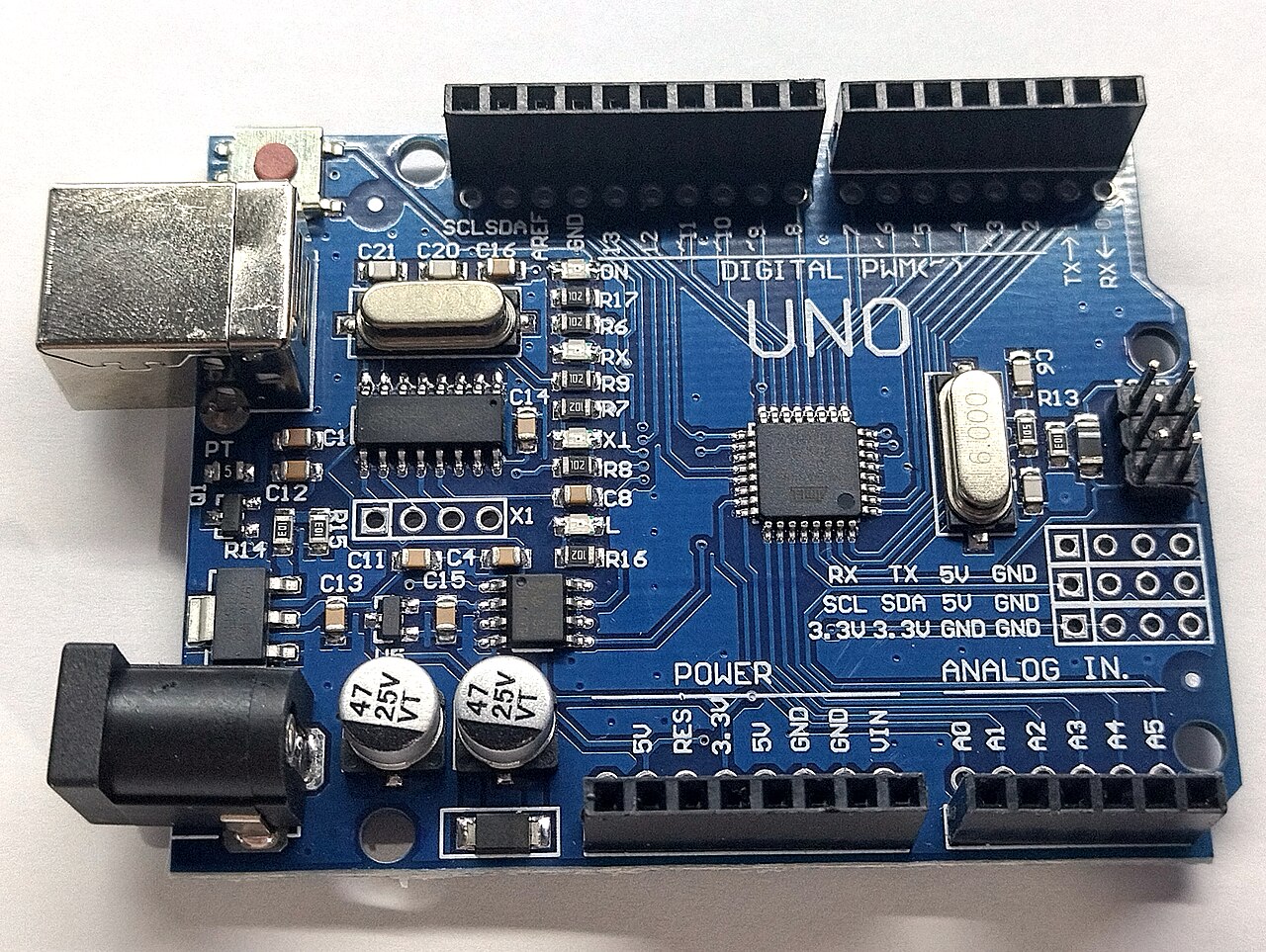
The main loop balances sensor polling, LCD refresh, and HTTP service without blocking any one task for too long. DHT22 reads take hundreds of milliseconds; Ethernet handling must remain responsive enough that dashboard fetches do not time out.
Typical loop structure
- Check timer: If the poll interval elapsed, read each DHT22 with retries.
- Update LCD: Refresh lines for probe 0, probe 1, and optional average.
- Serve HTTP: Parse incoming client requests and return cached JSON.
- Watchdog / reconnect: Reset or re-init Ethernet if the link dropped.
Timing constraints
Respect the two-second minimum between DHT22 reads per sensor. Stagger probes if needed. Averaging logic is documented in dual-probe averaging. When reads fail, skip updating that key rather than publishing NaN.
Debugging on serial
Log read failures and Ethernet state during development. After deployment, rely on stale reading diagnostics on the website side. Recovery paths: firmware watchdog recovery.